

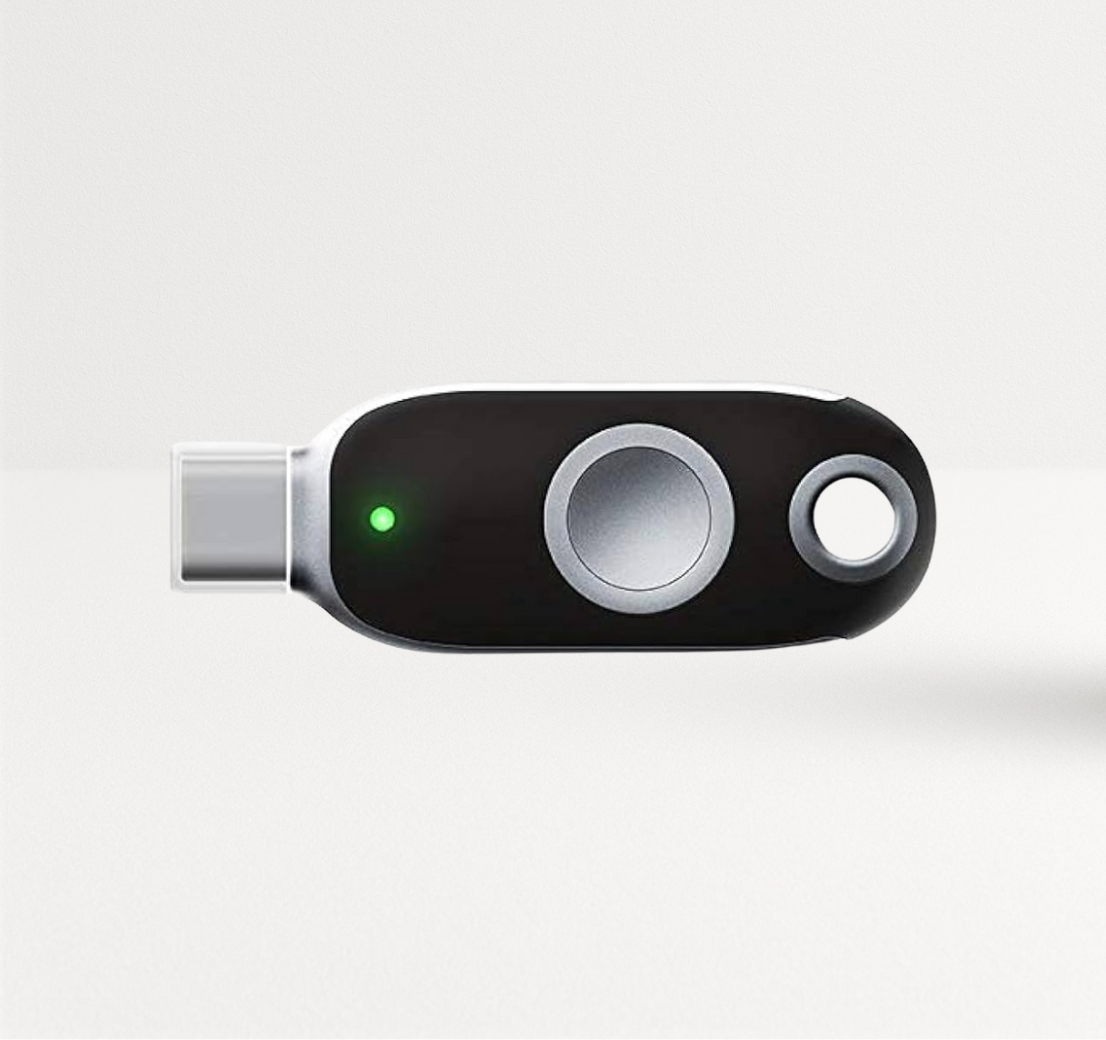
Most security key projects plan the rollout and stop there. Then, keys get lost, people leave, new laptops arrive with different ports and an auditor can't accurately track active keys. FIDO2 security key lifecycle management covers everything after the purchase order: setup, backup and recovery, ongoing optimization, replacement and upgrades. This guide gives you a policy and a checklist for each of the four stages, so your keys keep protecting accounts for years.
Key Takeaways
- Treat keys as assets with a lifecycle, not one-time purchases: issue, track, replace, retire.
- Register two keys per user from day one. Backup keys are your recovery plan.
- Write the replacement policy before the first key goes missing, including identity checks for the help desk.
- Optimize after rollout: enforce phishing-resistant policies, remove fallback methods and prune unused keys.
- Upgrade for a reason: moving from U2F to FIDO2 passwordless, new device ports, PIV or FIPS requirements, or future cryptography.
Table of Contents
- Stage 1: Buy (FIDO2 key deployment planning)
- Stage 2: Set up
- Security key backup and recovery
- Stage 3: Optimize
- FIDO2 key replacement policy
- Stage 4: Upgrade (when to upgrade from U2F to FIDO2)
- Managing security keys at scale
- FAQ
Stage 1: Buy (FIDO2 Key Deployment Planning)


Buy with the whole lifecycle in mind:
- Quantity: two keys per user, plus 5-10% spares for replacements.
- Standard models: two or three models cover most fleets and keep support simple. Choose by device ports and protocols; our guide to the best FIDO security keys for MFA maps FEITIAN models to use cases.
- Certifications your policy needs: FIDO2 certification as the baseline; FIPS 140-validated keys where required. FEITIAN lists the K40+ and the biometric K26 as FIPS 140-2 Level 2 certified.
- Purchase model: buy outright, or use a 24-month subscription such as FEITIAN Key as a Service (FKaaS), which bundles keys with pre-configuration, assignment to users, US shipping, priority support and replacement coverage.
Stage 2: Set Up
- Restrict approved models in your identity provider. Microsoft Entra ID, for example, can enforce attestation and allow keys by AAGUID (Microsoft documentation).
- Pre-provision or self-register. Pre-enroll keys for non-technical staff so they arrive ready to use; let technical staff register their own. FEITIAN's hardware-bound passkeys for Entra ID page describes its pre-enrollment tooling.
- Set PIN rules for user verification, or enroll fingerprints on biometric keys.
- Register both keys on every account the user needs, then store the backup somewhere safe.
- Record each key: serial number, model, owner, issue date, registered accounts.
For a full first-rollout plan, read our guide to security keys for enterprise data protection.
Security Key Backup and Recovery
FIDO2 credentials cannot be copied off a key, by design. That is what makes them phishing-resistant, and it is why backup means a second key, not a file.
- Two keys per person, both registered, one in daily use and one stored securely.
- Re-register when you add accounts. A backup key only helps for accounts it was registered with.
- A verified recovery path for users who lose both keys: in-person or video identity verification, manager approval, then a temporary access pass and new keys. Never reset over a quick phone call.
- No silent fallback to SMS. If recovery quietly falls back to SMS, attackers will use the SMS path.
Stage 3: Optimize
After rollout, keep tightening:
- Enforce phishing-resistant MFA by policy (for example, Conditional Access authentication strengths in Entra ID) for every group that has keys.
- Remove weaker methods such as SMS, voice and app codes for enrolled users.
- Review sign-in logs for accounts still using fallback methods and follow up.
- Prune unused keys: remove registrations that have not been used in months and keys belonging to former staff.
- Measure: percentage of users with two registered keys, percentage enforced, fallback methods still active.
Running keys at scale? FEITIAN's key-as-a-service option covers provisioning, replacement and support. Learn about FKaaS or email sales@ftsafe.us.
FIDO2 Key Replacement Policy
Write it down before you need it. Cover five events:
| Event | Action |
|---|---|
| Key lost or stolen | User signs in with backup, removes the lost key from all accounts, help desk issues a replacement after identity check |
| Key damaged | Same as lost; check warranty (FEITIAN keys carry a one-year warranty from purchase) |
| Both keys lost | Verified recovery path, temporary access pass, two new keys |
| Employee leaves | Remove all key registrations, collect keys, wipe and reissue or retire them |
| Model end of life or new requirement | Plan a staged upgrade (see Stage 4) |
Keep spares pre-tested and ready, and log every replacement in the key inventory.
Stage 4: Upgrade (When to Upgrade from U2F to FIDO2)
U2F keys (FIDO's earlier standard) work as a second factor after a password. FIDO2 keys add user verification with a PIN or fingerprint and can store discoverable credentials (passkeys) on the key, which enables passwordless sign-in. Upgrade when:
- You want passwordless sign-in. U2F cannot do it; FIDO2 can.
- Your identity provider requires FIDO2 passkeys for phishing-resistant policies.
- Device ports changed: USB-A keys on a USB-C laptop fleet mean adapters and complaints.
- New protocol needs: PIV smart card logon or OATH codes on the same device.
- Compliance changed: a contract now requires FIPS 140-validated keys.
- Cryptography moves on: as standards add new algorithms, plan for new key models in your upgrade cycle. FEITIAN shares its view in why PQC matters for FIDO keys.
Upgrade in waves by risk, just like the first rollout: register the new key, then remove the old one.
Managing Security Keys at Scale
At a few thousand keys, spreadsheets break. You need:
- An inventory system tied to your identity provider: owner, serial, model, accounts, status.
- Joiner, mover and leaver steps in HR and IT workflows.
- Spare stock and a replacement SLA.
- Regular audits of registered keys against active staff.
- A key management platform if your scale justifies it. FEITIAN announced its KeyMS key management platform as part of its FKaaS offering through the Cisco SolutionsPlus program with Duo.
Browse current models in the FIDO2 security keys collection.
Conclusion
FIDO2 security key lifecycle management keeps the protection you paid for working long after rollout. Buy two keys per user plus spares, set up with approved models and recorded serials, build recovery around backup keys and verified identity checks, keep optimizing policies, write a replacement policy before you need it, and upgrade for clear reasons. Treat keys as assets, and they will protect accounts for years.
Plan your next stage: explore FEITIAN FIDO2 security keys or contact sales@ftsafe.us.
FAQ
What is FIDO2 security key lifecycle management?
It is the process of managing security keys from purchase to retirement: buying, setting up, backup and recovery, policy optimization, replacement and upgrades, with an inventory that tracks every key.
How do you back up a FIDO2 security key?
You register a second key on the same accounts. FIDO2 credentials cannot be copied off a key, so the backup is a second physical key stored securely.
What should happen when an employee loses a security key?
They sign in with their backup key and remove the lost key from their accounts. The help desk verifies identity and issues a replacement, which the user registers right away.
When should we upgrade from U2F to FIDO2 keys?
When you want passwordless sign-in, when your identity provider requires FIDO2 passkeys, or when you need user verification with a PIN or fingerprint. U2F keys work only as a second factor after a password.
How long does a FIDO2 security key last?
USB and NFC keys have no battery and last for years in normal use (Bluetooth models such as the K33 and K41 may need charging; check the datasheet); replacement usually happens because of loss, damage, staff changes or new requirements. Check the warranty, which is one year on FEITIAN keys.
How do you manage security keys at scale?
Keep an inventory tied to your identity provider, build key issue and revocation into joiner and leaver workflows, hold spares, audit registered keys regularly and consider a key management platform.

Share:
Smart Cards for Secure Access: An Enterprise Buyer's Guide