

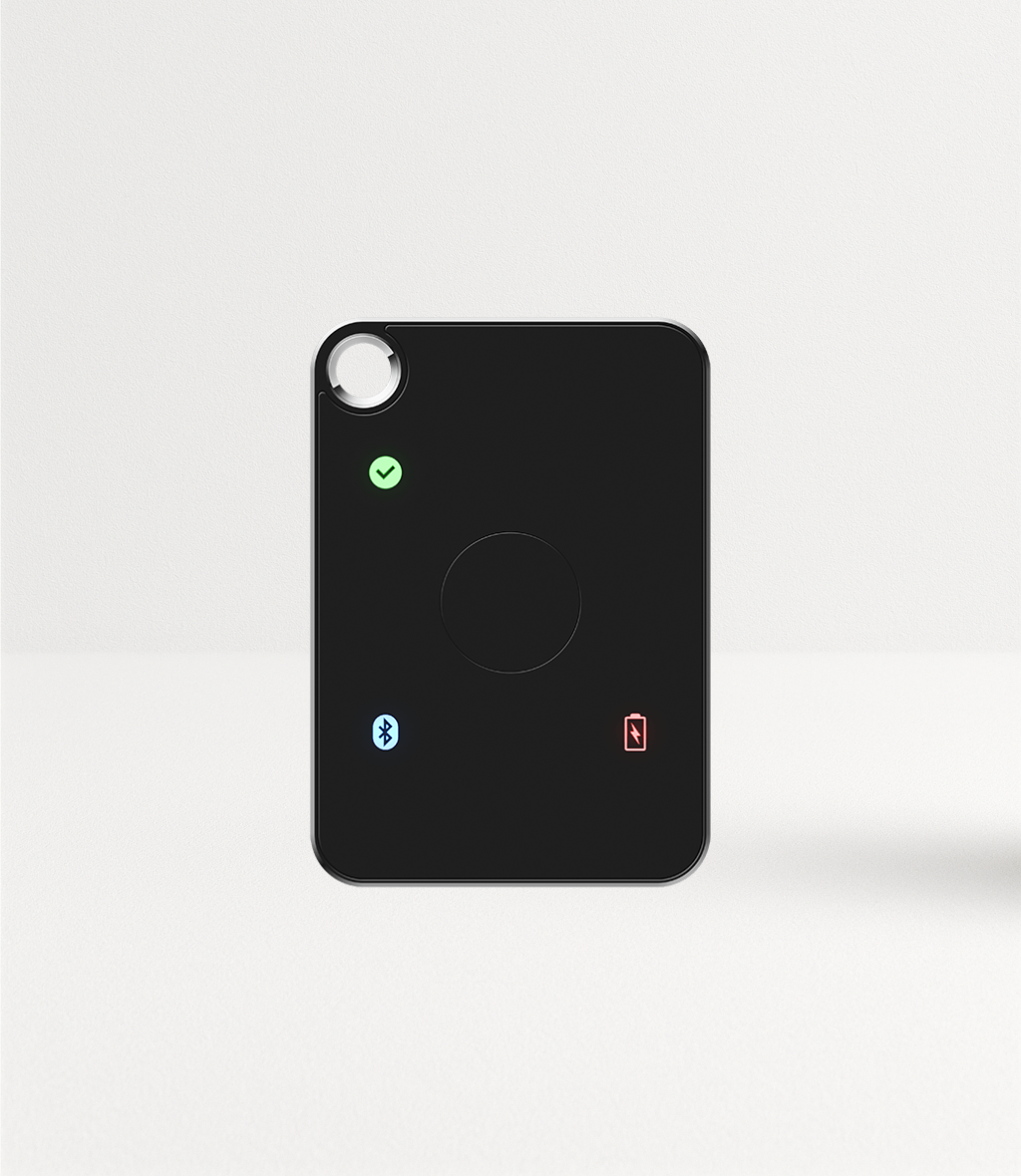
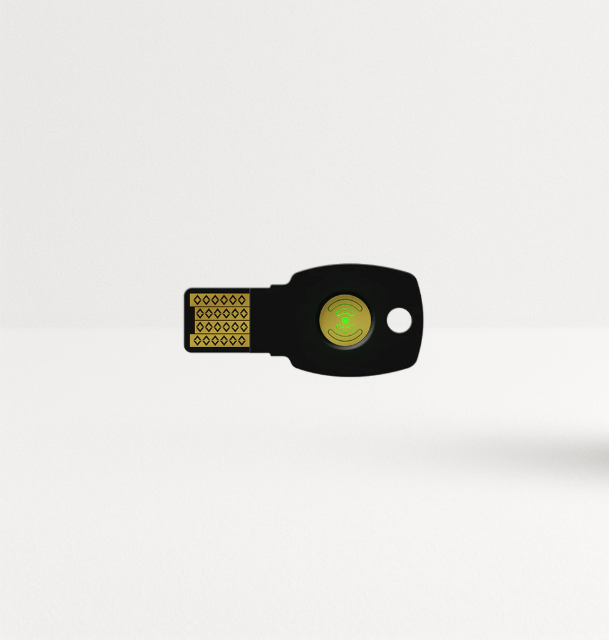
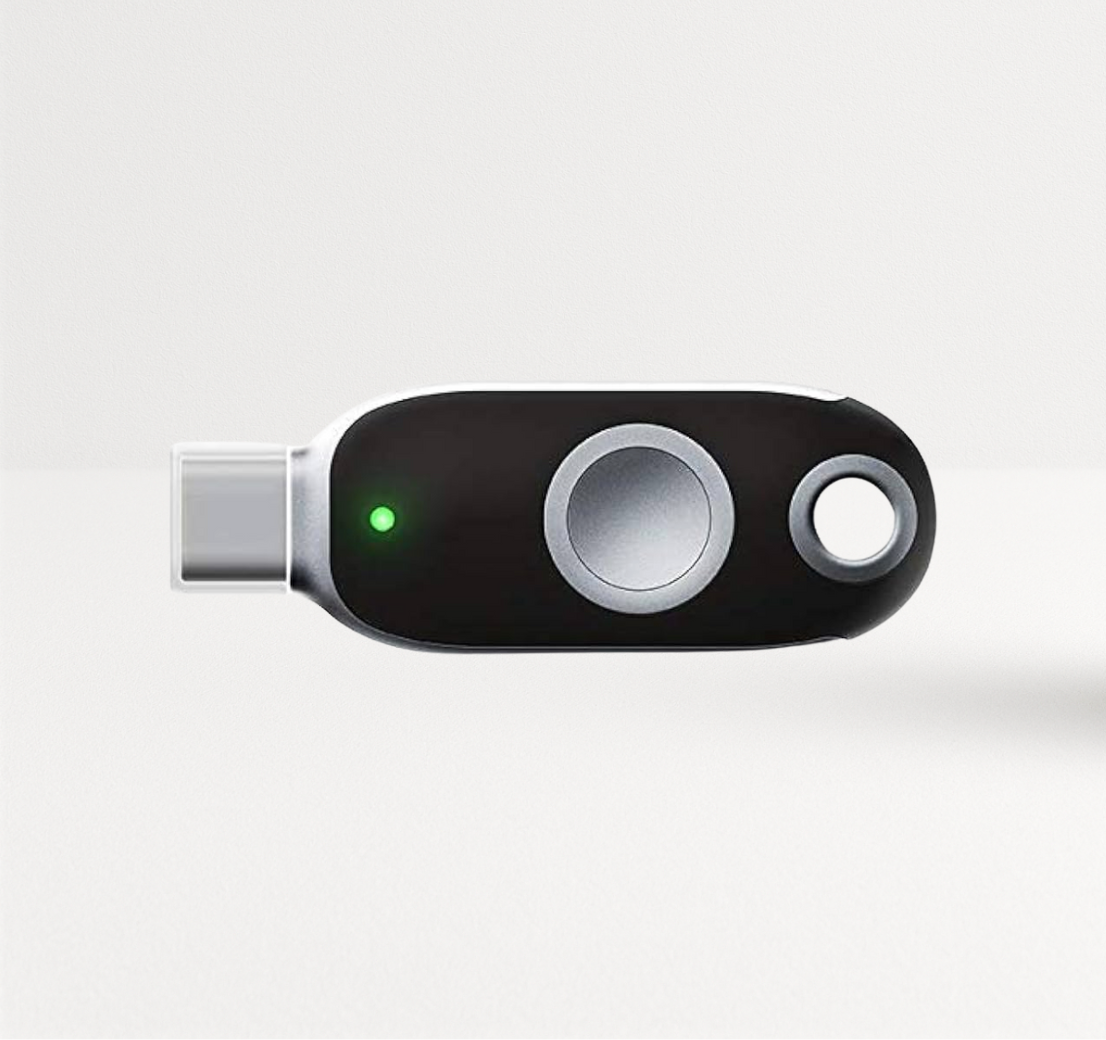
Can you recommend FIDO security keys for MFA? Selecting the right FIDO security key for multi-factor authentication (MFA) requires evaluating device compatibility, authentication requirements, and organizational security needs. Factors such as USB connectivity, NFC support, compatibility with legacy authentication protocols, and biometric verification can influence which security key is best suited for a particular environment. FIDO2-certified security keys provide phishing-resistant authentication, helping protect organizations against credential theft and unauthorized access through fraudulent websites. This guide compares FEITIAN's FIDO security keys, highlights their key features and enterprise use cases, and outlines important considerations for selecting and deploying the right authentication solution.
Key Takeaways
- Any FIDO2 certified key stops credential phishing. Choose between models on connectors, extra protocols, biometrics and capacity.
- Best all-round business key: K40+ (USB-C + NFC, FIDO2 + PIV + OATH + OpenPGP, FIPS 140-2 Level 2 certified).
- Best budget USB-A key: A4B (FIDO2 + OATH-HOTP, 128 resident credentials, IP67).
- Best biometric keys: K26 (USB-C, 50 fingerprints, FIPS 140-2 Level 2) and K33 (USB-C, NFC and Bluetooth, 16 fingerprints).
- Deploy two keys per user, start with privileged accounts, and remove SMS fallback once enrolled.
Table of Contents
- How to choose a FIDO security key
- FIDO security key compatibility requirements
- Best FIDO security keys for MFA by use case
- Full comparison table
- Phishing-resistant authentication methods compared
- FIDO key deployment best practices
- FAQ
How to Choose a FIDO Security Key
Answer five questions before you compare models:
- Which ports and phones? USB-A desktops, USB-C laptops, NFC phones, Lightning iPhones.
- Which extra protocols? PIV for Windows smart card logon and certificates, OATH HOTP/TOTP for code-based systems, OpenPGP for signing and SSH.
- PIN or fingerprint? Fingerprint keys suit shared desks and users who forget PINs.
- How many passkeys per user? Passkeys stored on the key (resident credentials) use capacity.
- Which certifications does your policy require? FIDO2 certification at minimum; some programs require FIPS 140-validated hardware.
For the mechanics of why FIDO2 stops account takeovers, read which security key protects against account takeovers.
FIDO Security Key Compatibility Requirements
A FIDO2 key works with any service that supports the FIDO2/WebAuthn standard or FIDO U2F. Check four layers:
- Identity provider: Microsoft Entra ID, Okta, Ping Identity, Google Workspace and Duo all support FIDO2 keys. FEITIAN product pages list Microsoft Entra ID, Active Directory, Okta, Ping Identity, Duo and Salesforce among compatible services.
- Operating system: FEITIAN keys list support for Windows, macOS, Linux and Chrome OS; NFC models such as the K9B and K40 also list Android.
- Browser: current versions of Chrome, Edge, Safari and Firefox support WebAuthn.
- Policy: some tenants allow only approved key models (Entra ID can restrict by AAGUID), so register your chosen models before rollout.
Best FIDO Security Keys for MFA by Use Case
Best all-round business key: K40+

The K40+ plugs into USB-C and taps on NFC phones. It combines FIDO2/U2F with Smart Card PIV (RSA 2048, ECC P256/P384), OATH HOTP/TOTP and OpenPGP, stores 44 resident credentials, and is FIPS 140-2 Level 2 certified with Level 3 physical security. One key covers cloud MFA, Windows smart card logon and legacy code-based apps. For USB-A desktops, the K9+ offers the same mix.
Best budget USB-A key: A4B

The A4B is FIDO2 and U2F certified, adds OATH-HOTP, stores 128 resident credentials and carries an IP67 rating. A strong choice for large workforce rollouts on USB-A machines.
Best for USB-C laptops and NFC phones: K40
The K40 adds NFC to USB-C, supports OATH HOTP/TOTP, holds 26 resident credentials and is listed as compliant with Google Advanced Protection. Choose the K40+ instead if you need PIV.
Best USB-A + NFC key: K9B
The K9B works on USB-A desktops and NFC phones, supports OATH HOTP/TOTP, stores 22 resident credentials and is IP67 rated.
Best "leave it plugged in" keys: K10 and K28e
The K10 (USB-A, 15 × 13 × 2.5 mm, 128 resident credentials) and the K28e (USB-C, with PIV, OATH and OpenPGP) stay in the laptop port. Good for users who sign in many times a day on one device.
Best for iPhone users on Lightning: K44

The K44 has USB-C and Lightning connectors, PIV, OATH and OpenPGP, and is listed as FIPS 140-2 Level 2 certified with Level 3 physical security.
Best biometric key for desktops: K26

The K26 (USB-C) stores up to 50 fingerprint templates and 128 resident credentials, and FEITIAN lists it as FIPS 140-2 Level 2 certified (NIST certificate 3979). A fingerprint replaces the PIN at each login.
Best biometric key for mobile: K33 AllinPass

The K33 connects over USB-C, NFC and Bluetooth, stores 16 fingerprints and 128 resident credentials, and uses a CC EAL6+ secure element.
Best for Bluetooth without biometrics: K41 MultiPass

The K41 connects over USB-C, NFC and Bluetooth for teams that move between laptops, tablets and phones, and FEITIAN lists no limit on the number of credentials it stores.
Testing keys in Microsoft Entra ID? FEITIAN offers complimentary evaluation keys for qualified organizations. Request sample keys.
Full Comparison Table
| Key | Connectors | Extra protocols | Biometric | Resident credentials | Certification |
|---|---|---|---|---|---|
| A4B | USB-A | OATH-HOTP | No | 128 | FIDO2 + U2F certified |
| K10 | USB-A (micro) | OATH-HOTP | No | 128 | FIDO2 certified |
| K9B | USB-A + NFC | OATH HOTP/TOTP | No | 22 | FIDO2 + U2F certified |
| K9+ | USB-A + NFC | PIV, OATH, OpenPGP | No | No limit | FIDO2 certified |
| K40 | USB-C + NFC | OATH HOTP/TOTP | No | 26 | FIDO2 + U2F certified (FIDO Alliance) |
| K40+ | USB-C + NFC | PIV, OATH, OpenPGP | No | 44 | FIDO2 certified; FIPS 140-2 L2 (+ L3 physical) |
| K28e | USB-C (micro) | PIV, OATH, OpenPGP | No | No limit | FIDO2 certified |
| K44 | USB-C + Lightning | PIV, OATH, OpenPGP | No | No limit | FIDO2 certified; FIPS 140-2 L2 (+ L3 physical) |
| K26 | USB-C | none | Yes, 50 fingerprints | 128 | FIDO2 certified; FIPS 140-2 L2 (NIST cert 3979) |
| K33 | USB-C + NFC + Bluetooth | none | Yes, 16 fingerprints | 128 | FIDO2 certified; CC EAL6+ secure element |
| K41 | USB-C + NFC + Bluetooth | none | No | No limit | FIDO2 certified |
See current pricing and availability on the FIDO2 security keys collection.
Phishing-Resistant Authentication Methods Compared
Not every MFA method is phishing resistant. CISA's guidance names FIDO/WebAuthn as the widely available phishing-resistant option, alongside PKI-based authentication such as PIV smart cards.
| Method | Phishing-resistant? | Notes |
|---|---|---|
| SMS / voice codes | No | Real-time relay and SIM swap |
| Authenticator app codes | No | User types the code into the fake site |
| Push approval | No | Users approve fake prompts |
| Number-matching push | Partly | Reduces prompt bombing, still phishable by relay kits |
| FIDO2 security key | Yes | Domain-bound signature, key never leaves hardware |
| PIV / smart card (PKI) | Yes | Certificate-based, hardware-bound |
FIDO Key Deployment Best Practices
- Pilot first with IT and security, testing every critical app and login type.
- Protect privileged users first: admins, finance, executives, customer-data teams.
- Two keys per person, registered on day one, allowing continued access even if a key is lost.
- Restrict approved models in your identity provider and enforce phishing-resistant MFA through policy.
- Remove SMS and app-code fallback after enrollment.
- Track keys as assets and add issue/revoke steps to onboarding and offboarding.
For the full rollout plan, including Microsoft Entra ID setup and a cost model, read our guide to security keys for enterprise data protection.
Conclusion
The best FIDO security keys for MFA are the FIDO2 certified models that match your devices and the systems you still run. For most businesses, the K40+ (or K9+ on USB-A) covers FIDO2, PIV and OTP in one key; the A4B keeps large USB-A rollouts affordable; the K26 and K33 bring fingerprint sign-in. Pick by connector and protocol, give every user two keys and enforce phishing-resistant MFA by policy.
Choose your keys: browse FEITIAN FIDO2 security keys or email sales@ftsafe.us for orders over 100 units.
FAQ
What is the best FIDO security key for business?
For most businesses, a multi-protocol key such as the FEITIAN K40+ (USB-C and NFC) or K9+ (USB-A and NFC). They combine FIDO2 with PIV smart card, OATH one-time codes and OpenPGP, so one key covers cloud MFA and older systems.
Are all FIDO2 certified security keys equally secure against phishing?
The core protection is the same: every FIDO2 certified key binds its signature to the real website domain. Models differ in connectors, extra protocols, biometrics, capacity and additional certifications such as FIPS 140-2.
Do FIDO security keys work with Microsoft Entra ID?
Yes. Entra ID supports FIDO2 security keys as passkeys, and FEITIAN product pages list Microsoft Entra ID among compatible services. Admins can enable the Passkey (FIDO2) method and require phishing-resistant MFA through Conditional Access.
Should I choose a biometric security key?
Choose biometric keys such as the K26 or K33 when users share desks, forget PINs, or need faster sign-in. The fingerprint stays on the key and replaces the PIN.
How many FIDO keys does each employee need?
Two: one for daily use and one stored as a backup. A backup key prevents lockouts and keeps attackers from targeting help desk resets.
What does "resident credentials" mean on a security key?
Resident credentials are passkeys stored on the key itself, which let users sign in without typing a username. The number limits how many such passkeys one key can hold, for example 44 on the K40+ and 128 on the A4B.
Share:
Security Keys for Enterprise Data Protection: An Implementation Guide