


The badge on your employees' lanyards can do far more than open a door. Smart cards for secure access combine physical entry, computer login, digital signatures and even payments on one credential, if you choose the right card type. The wrong choice can result in cards being cloned by thieves, a mismatch between a card and a reader, or required deployment of new cards when systems are updated or changed. This guide compares the main card technologies, explains government PIV requirements, and gives you a checklist for buying cards and readers that work together.
Key Takeaways
- Pick the chip, not the plastic. Contact, contactless, dual-interface, biometric and OTP display cards solve different problems.
- Retire 125 kHz proximity cards. They carry a fixed number that is easy to copy. 13.56 MHz smart cards use cryptography.
- Dual-interface cards serve doors and computers with one credential: tap at the door, insert at the laptop.
- Government programs follow PIV (FIPS 201), which defines what the card stores and which interface each operation uses.
- Plan readers with cards. Card standard, interface and host device must all line up.
Table of Contents
- What smart cards for secure access do
- Contact vs contactless smart cards
- Dual interface smart card benefits
- Smart card types compared
- Smart card access control systems: physical and logical
- PIV card specifications for government
- Smart card reader compatibility
- Buyer's checklist
- FAQ
What Smart Cards for Secure Access Do
A smart card carries a microchip that stores credentials and runs cryptography. When a reader asks the card to prove its identity, the chip answers a challenge with its secret key, which the reader or a back-end system checks. The secret never leaves the chip.
That makes smart cards stronger than magnetic stripes, barcodes and older proximity cards, which simply transmit a number that anyone with the right reader can copy.
Contact vs Contactless Smart Cards
| Contact | Contactless | |
|---|---|---|
| How it connects | Gold chip touches pins in the reader (ISO/IEC 7816) | Radio at 13.56 MHz within a few centimeters (ISO/IEC 14443) |
| Typical uses | Computer login, PKI certificates, digital signatures | Doors, turnstiles, printers, cafeterias, transit |
| Speed and convenience | Insert and wait | Tap and go |
| Wear | Contacts wear with heavy use | No contact wear |
| Common chips | Java Card, PIV | MIFARE DESFire, Java Card contactless interface |
Dual Interface Smart Card Benefits
A dual-interface card has both a contact chip and an antenna. The benefits:
- One credential for doors and computers. Users tap at the entrance and insert the same card into a laptop reader to sign in.
- One card lifecycle. HR issues, updates and revokes a single card.
- Room to grow. Programmable dual-interface cards such as FEITIAN's Java Card A22CR (Java Card 3.0.4, 105 KB, CC EAL5+) can add PKI, access and payment applets over time.
Smart Card Types Compared


| Card type | What it does | Best for | FEITIAN example |
|---|---|---|---|
| Proximity (125 kHz) | Transmits a fixed ID number | Legacy only; replace with 13.56 MHz smart cards | (none) |
| Contactless (MIFARE DESFire) | Cryptographic tap-to-enter | Building access, cashless services | BIOCARD contactless interface |
| Java Card, dual interface | Runs applets for PKI, access, payment | Combined ID badges, PKI login | A22CR, A40CR |
| Payment-grade Java Card | High-assurance chip | Banking, closed-loop payments | A50CR (CC EAL6+, EMVCo) |
| Fingerprint (biometric) card | Fingerprint check on the card before it works | High-security areas, shared credentials risk | BIOCARD |
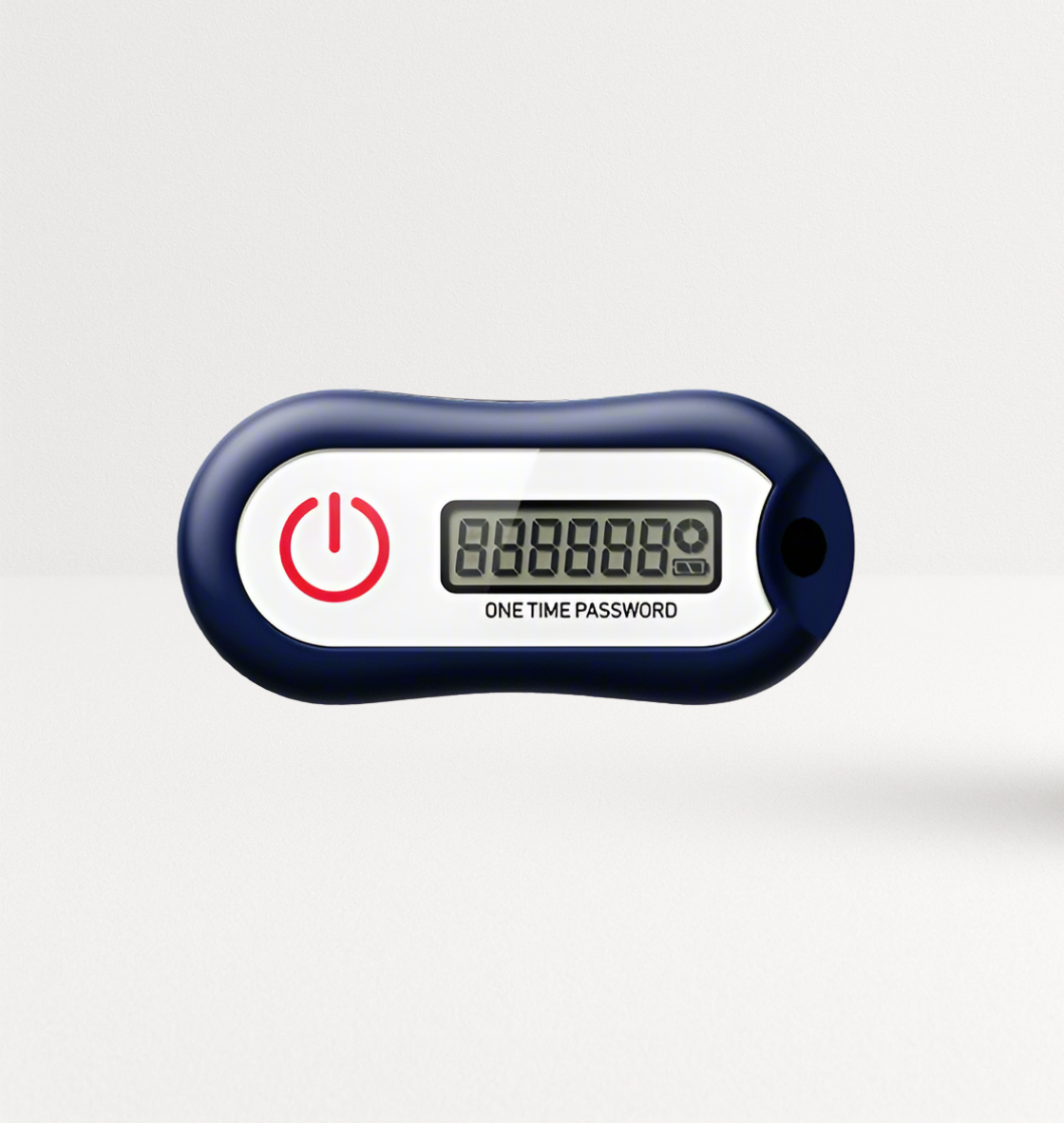
| OTP display card | Shows one-time codes | MFA for VPN and apps without a reader | VC-200E |
Fingerprint cards. The FEITIAN BIOCARD combines a fingerprint sensor with FIDO2 for logical access, a 13.56 MHz MIFARE/DESFire interface for doors, and an optional payment chip. FEITIAN rates its built-in battery at about 25,000 fingerprint reads, roughly three years. The fingerprint is matched on the card itself: the template stays in the card's secure element and cannot be exported, and the card sends the login service only a confirmation that the fingerprint matched. A fingerprint card answers the biggest weakness of any badge: a lost or lent card works for whoever holds it.
See every card in FEITIAN's card form factors collection. For a developer-level look at programmable cards, read our Java Card buyer's guide.
Smart Card Access Control Systems: Physical and Logical
Physical access control (PACS) manages doors, gates and elevators. Readers at each door talk to a controller that checks the card against an access list. Choose cards with mutual authentication and encryption (such as MIFARE DESFire or a Java Card access applet) and make sure your readers and controller support them.
Logical access control manages computers, networks and applications. Users insert or tap a card to sign in with a certificate (PIV or PKI) or a FIDO2 credential. This removes passwords from the most sensitive logins.
Converged access puts both on one card. Plan the card's applications, keys and owners up front, because the security team, facilities team and IT team will each manage part of the credential.
Building a converged badge program? Compare FEITIAN smart cards or email sales@ftsafe.us to plan volumes and custom card printing.
PIV Card Specifications for Government
U.S. federal employees and contractors use Personal Identity Verification (PIV) cards defined by FIPS 201. Key points for buyers:
- Dual interface: PIV cards have contact and contactless interfaces.
- Defined credentials: the card holds certificates and keys for PIV authentication, digital signature, key management and card authentication, plus cardholder data such as fingerprint templates.
- Interface rules: many operations that use the cardholder's PIN and certificates run over the contact interface; the contactless interface is restricted to specific functions such as card authentication at doors.
- Card interface specification: NIST SP 800-73 defines how software talks to PIV cards. NIST keeps the full document set on its PIV project page.
State and local agencies and contractors often use PIV-Interoperable (PIV-I) or commercial cards modeled on the same structure. If you buy for a federal program, confirm the exact card, middleware and certification requirements with your agency's credentialing office.
Smart Card Reader Compatibility


A card is only as useful as the readers around it. Match three layers:
- Card standard: contactless cards need ISO 14443 readers; contact cards need ISO 7816 readers; dual-interface cards work with either.
- Interface for the task: certificate login often requires the contact interface, so desks need contact or dual-interface readers.
- Host device: USB-A or USB-C desktops, Lightning iPhones, Bluetooth for tablets and phones.
FEITIAN's R502-C9 reads contact and contactless cards over USB-A; the bR500 reads contactless cards over Bluetooth for mobile users. See the full smart card readers collection and our guide to the best contactless smart card readers.
Buyer's Checklist
- Uses: doors, computer login, signing, payment, MFA codes
- Card technology per use: contactless, contact, dual-interface, biometric, OTP display
- Standards: ISO 14443 / 7816, MIFARE DESFire, PIV or PIV-I if required
- Chip certification needed (CC EAL level, EMVCo for payments)
- Existing door readers and controllers: what they support
- Desktop and mobile readers for logical access
- Card printing and personalization (photo, logo, encoding)
- Issuance, replacement and revocation process
- Pilot: 20-50 cards across real doors and devices
Conclusion
Smart cards for secure access work best when one well-chosen card covers the jobs your organization needs: tap at the door, insert at the laptop, sign a document. Replace proximity cards with cryptographic 13.56 MHz credentials, choose dual-interface cards for converged access, add fingerprint cards where a lent badge is a real risk, and follow PIV rules where government programs apply. Match readers to the card and pilot before you issue thousands.
Plan your card program: browse FEITIAN smart cards or contact sales@ftsafe.us.
FAQ
What are smart cards for secure access?
They are credit-card-sized credentials with a chip that proves identity cryptographically. Organizations use them to open doors, sign in to computers, sign documents and pay for services, often all on one card.
What is the difference between contact and contactless smart cards?
Contact cards connect through a gold chip that touches the reader, and suit computer login and certificates. Contactless cards connect by radio when tapped, and suit doors and turnstiles. Dual-interface cards do both.
Are proximity cards secure?
Older 125 kHz proximity cards transmit a fixed number without cryptography, so attackers can copy them with inexpensive readers. Replace them with 13.56 MHz smart cards that use mutual authentication and encryption.
What is a PIV card?
A PIV card is the U.S. federal smart card credential defined by FIPS 201. It holds certificates and keys for authentication, signing and encryption, and works over contact and contactless interfaces with defined rules for each.
What are the benefits of a dual-interface smart card?
One card covers physical and logical access: tap for doors, insert for computer login. That means one credential to issue, manage and revoke, and room to add applications later on programmable cards.
When should I use a fingerprint smart card?
Use one where a lost, stolen or lent badge would be a serious risk, such as data centers, labs and executive areas. The card works only after its owner's fingerprint is verified.
Share:
Event-Based OTP Tokens: HOTP Algorithm Explained
FIDO2 Security Key Lifecycle Management: Buy, Set Up, Optimize, Upgrade