

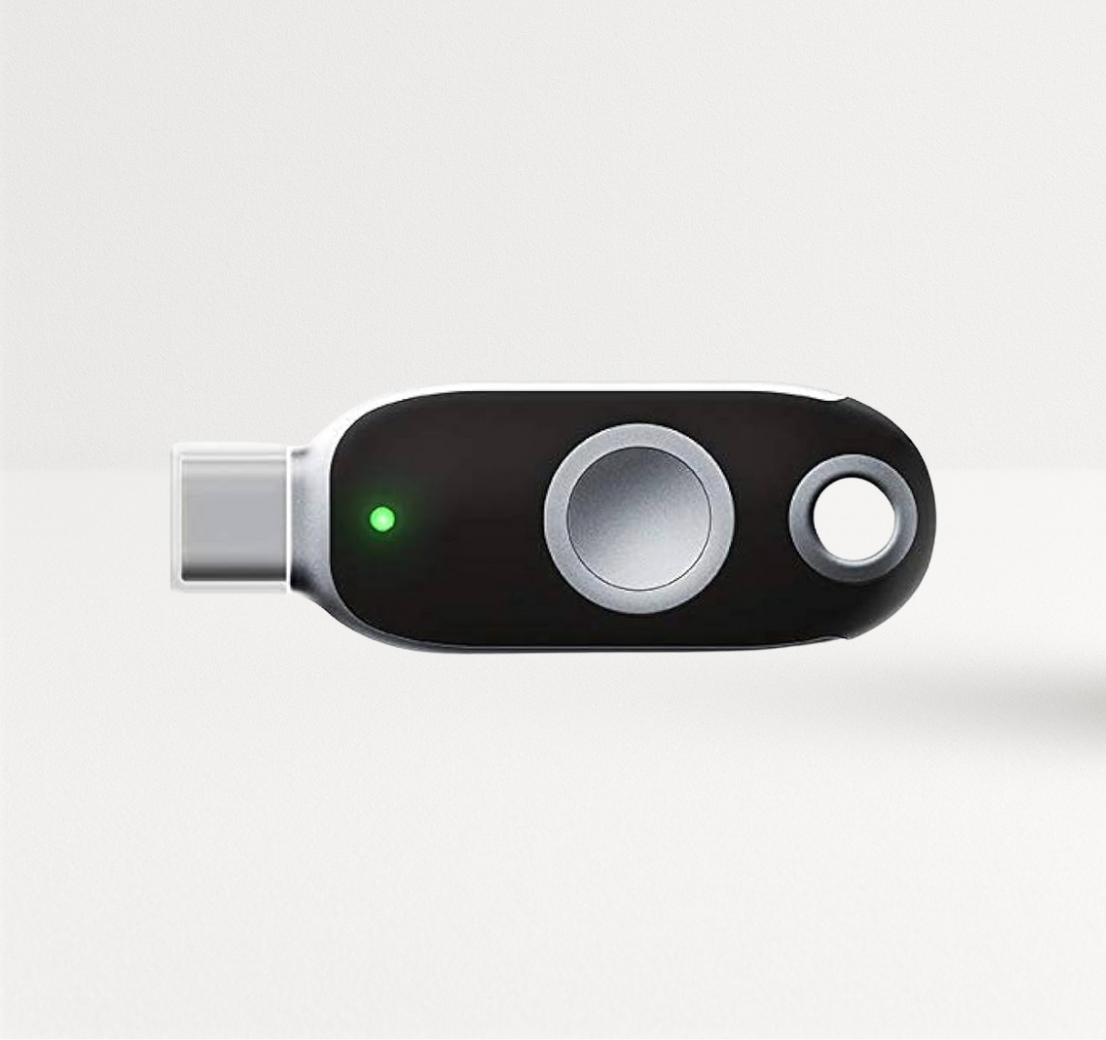
Security keys, OTP tokens, PKI tokens, smart cards, readers: the catalog is long and every vendor claims to be the most secure. Knowing how to choose security hardware for enterprises comes down to a repeatable framework, not a feature race. Start from the threats you face and the people you protect, map them to compliance rules and devices, cost the full lifecycle, then test the vendor as hard as the product. This guide walks you through six steps you can reuse for every hardware decision.
Key Takeaways
- Start with threats, not products. Phishing, credential stuffing, insider risk and physical entry each call for different hardware.
- Map users and devices before you pick form factors: ports, phones, shared desks, phone-free zones.
- Let compliance narrow the list early: FIPS 140, PIV, TAA and industry rules remove options fast.
- Cost the whole lifecycle, not the unit price: provisioning, support, replacement, batteries and licensing.
- Evaluate the vendor: certifications per model, supply chain and TAA status, integrations, support and roadmap.
Table of Contents
- Step 1: Define the threats you need to stop
- Step 2: Map users, devices and locations
- Step 3: Compliance-driven hardware selection
- Step 4: Enterprise authentication hardware comparison
- Step 5: Security token total cost of ownership
- Step 6: Hardware security vendor evaluation
- Multi-factor authentication deployment planning
- FAQ
Step 1: Define the Threats You Need to Stop
Write down the attacks that would hurt most, then match each to the security hardware that stops it:
| Threat | What stops it | Hardware |
|---|---|---|
| Phishing and real-time relay kits | Domain-bound, phishing-resistant authentication | FIDO2 security keys, PIV/PKI smart cards |
| Credential stuffing and password spraying | Any possession factor | OTP tokens, FIDO2 keys |
| Stolen signing or encryption keys | Keys generated and kept in hardware | PKI tokens, Java Cards |
| Tailgating and cloned badges | Cryptographic or biometric credentials | 13.56 MHz smart cards, fingerprint cards |
| Shared or lent credentials | Biometric verification | Fingerprint security keys and cards |
CISA's phishing-resistant MFA guidance names FIDO/WebAuthn and PKI-based authentication as the phishing-resistant options, so put them first for any account an attacker would target.
Step 2: Map Users, Devices and Locations
Security hardware only works if it fits the people using it. List every user group with four facts: which devices they use, which ports those devices have, where they work, and which systems they sign in to.
- Office staff on USB-C laptops: USB-C + NFC security keys.
- Older USB-A desktops: USB-A keys or micro keys that stay plugged in.
- Mobile and field teams: NFC or Bluetooth keys, Bluetooth card readers.
- Phone-free areas (exam rooms, labs, secure floors): OTP tokens or display cards.
- Shared workstations: fingerprint keys so each user proves identity without sharing PINs.
- Legacy systems that only accept codes or certificates: multi-protocol keys with OATH and PIV.
Step 3: Compliance-Driven Hardware Selection
Compliance rules often decide the security hardware shortlist before features do. Check:
- FIPS 140 validation for cryptographic modules in federal and many regulated environments. Ask for the NIST certificate number of the exact model.
- PIV (FIPS 201) for federal identity credentials.
- NIST SP 800-63B assurance levels; its highest level calls for hardware-based, phishing-resistant authenticators.
- TAA compliance for products sold under many U.S. federal contracts.
- Industry rules such as PCI DSS v4.0, which requires MFA for all access into the cardholder data environment.
- Common Criteria chip certifications for smart cards and secure elements.
Write the required certifications into your requirements document, then disqualify models that cannot show them.
Step 4: Enterprise Authentication Hardware Comparison


| Hardware | Strengths | Limits | Typical fit | FEITIAN range |
|---|---|---|---|---|
| FIDO2 security key | Phishing-resistant, no shared secret on servers | Needs FIDO2-capable apps | Cloud apps, identity providers | FIDO2 keys |
| OTP token / display card | No phone, no connection, works with code-based systems | Codes can be phished | VPNs, legacy apps, phone-free users | OTP tokens |
| PKI token | Certificates in hardware for signing and encryption | Needs PKI and middleware | Signing, S/MIME, certificate login | PKI tokens |
| Smart card + reader | One credential for doors and computers | Readers at every point of use | Converged badges, PIV programs | Cards, readers |
Multi-protocol keys blur these lines: a single FIDO2 key with PIV and OATH can cover cloud MFA, smart card logon and code-based systems. For a deeper look at token types, read our guide to authentication tokens for data protection, and for model picks see the best FIDO security keys for MFA.
Step 5: Security Token Total Cost of Ownership
Unit price is the smallest line in most security hardware budgets. Count all of it over three to five years:
- Hardware: devices per user (two for security keys), plus 5-10% spares.
- Provisioning: IT hours to enroll, seed or pre-provision each device.
- Support: help desk time during rollout and for lost devices.
- Replacement and lifecycle: lost devices, battery life of OTP tokens and fingerprint cards, refresh cycles.
- Infrastructure: authentication servers, PKI, card printers, readers.
- Licensing: identity provider features such as conditional access.
Then, count what it removes: password-reset tickets, SMS costs, and the cost of investigating account takeovers. Subscription models such as the 24-month FEITIAN Key as a Service (FKaaS) move hardware into the operating budget and bundle pre-configuration, shipping, support and replacements.
Building the business case? Email sales@ftsafe.us for volume pricing and subscription options, or browse FEITIAN security hardware.
Step 6: Hardware Security Vendor Evaluation
Ask every security hardware vendor the same questions, in writing:
- Certifications per model: FIDO2, FIPS 140 (certificate numbers), Common Criteria, and which exact SKUs they cover.
- Supply chain and TAA status: where products are manufactured, which models are TAA compliant, and how firmware is secured.
- Integrations: tested compatibility with your identity provider, VPN, PKI and operating systems.
- Provisioning and management: pre-enrollment tools, key management platforms, bulk seeding for OTP.
- Support and warranty: US support hours, replacement times, warranty length.
- Roadmap: post-quantum cryptography plans and support for new FIDO features. FEITIAN explains its view in why PQC matters for FIDO keys.
How FEITIAN answers those questions: FEITIAN Technologies US is headquartered in San Jose, California. The company reports 3,000+ customers, products shipped to 150+ countries and 1,000+ patents (about FEITIAN). In February 2026 FEITIAN joined the Cisco SolutionsPlus program with Duo, offering TAA-compliant, FIDO2-certified key models through Cisco's partner ecosystem. Ask for the certificate details that apply to the models on your shortlist.
Multi-Factor Authentication Deployment Planning
Once you have chosen your security hardware:
- Pilot with IT and security on real devices and apps.
- Protect high-risk users first: admins, finance, executives.
- Expand in waves with pre-provisioned devices.
- Enforce phishing-resistant MFA by policy.
- Retire weaker fallbacks such as SMS.
Our guide to security keys for enterprise data protection covers each phase in detail, including Microsoft Entra ID setup.
Conclusion
Learning how to choose security hardware for enterprises means following the same six steps every time: define threats, map users and devices, apply compliance rules, compare hardware types, cost the full lifecycle and test the vendor. The framework turns a crowded security hardware catalog into a short list you can defend to your CISO, your auditors and your finance team.
Start your shortlist: explore FEITIAN security hardware or contact sales@ftsafe.us to discuss your requirements.
FAQ
How do you choose security hardware for an enterprise?
Define the threats you must stop, map users and devices, apply your compliance requirements, compare hardware types, calculate total cost of ownership over three to five years, and evaluate each vendor's certifications, supply chain, integrations and support.
What is the most secure authentication hardware?
For sign-in, FIDO2 security keys and PIV/PKI smart cards resist phishing, which is why CISA names them as phishing-resistant MFA. The most secure choice for your organization is the one users adopt on every high-risk account.
What does total cost of ownership include for security tokens?
Hardware and spares, provisioning time, help desk support, replacements and battery life, infrastructure such as authentication servers or PKI, and licensing. Offset it with fewer password resets and fewer account-takeover incidents.
What certifications should enterprise security hardware have?
At minimum, FIDO2 certification for security keys. Depending on your sector, add FIPS 140 validation, PIV (FIPS 201) conformance, Common Criteria chip certification and TAA compliance. Ask vendors for certificate numbers per model.
Should we choose one type of hardware for everyone?
Usually not. Most enterprises combine FIDO2 keys for cloud apps, OTP tokens for phone-free or legacy cases and smart cards or PKI tokens for signing and building access. Multi-protocol keys reduce the number of devices each person carries.
What questions should we ask a security hardware vendor?
Ask which certifications cover which exact models, where products are made and which are TAA compliant, which platforms they have tested, how provisioning and replacement work, what support you get in the US, and what their post-quantum roadmap is.
Share:
Best Contactless Smart Card Readers for Enterprise Use