

Buying PKI tokens takes a purchase order. Making digital certificates work on them across a company takes a plan for enrollment, renewal and revocation. PKI tokens for digital certificates keep each user's private key on a secure chip, which turns a certificate from a file anyone can copy into a credential that only its owner can use. This guide covers where certificates can live, how tokens compare with hardware security modules, how to enroll certificates onto tokens, and how to manage them for their whole life.
Key Takeaways
- Certificates are public; private keys are not. A PKI token's job is to generate and protect the private key behind each certificate.
- Tokens and HSMs solve different problems. Tokens protect one person's keys; HSMs protect server and CA keys at high volume.
- Generate keys on the token. On-board key generation means the private key never exists anywhere else.
- Plan the full lifecycle: enrollment, renewal, revocation, lost tokens and key escrow for encryption certificates.
- Automate where you can: expiring certificates break logins and signatures without warning.
Table of Contents
- What PKI tokens do for digital certificates
- Digital certificate storage options
- Hardware security module vs PKI token
- Secure key generation hardware
- PKI token certificate enrollment, step by step
- X.509 certificate management across the lifecycle
- Common implementation mistakes
- FAQ
What PKI Tokens Do for Digital Certificates
An X.509 certificate (RFC 5280) binds a public key to an identity, signed by a certificate authority (CA). The certificate itself is public and safe to share. The matching private key is what proves identity, signs documents and decrypts data.
A PKI token stores the private key on a smart card chip and performs signing and decryption inside it. The computer sends data in and receives the result; the key stays put. Add a PIN, and using the certificate requires both the token and the knowledge of its owner.
Digital Certificate Storage Options
| Storage | Where the private key lives | Protection | Typical use |
|---|---|---|---|
| Software file (.pfx/.p12) | Encrypted file on disk | Password only; copies easily | Testing, low-risk services |
| OS certificate store | Computer's key store, sometimes TPM-backed | Tied to one device | Device certificates, Wi-Fi |
| PKI token (USB) | Secure chip in a portable token | Possession + PIN; key not exportable | User authentication, signing, S/MIME |
| Smart card | Secure chip in a card, used with a reader | Possession + PIN; doubles as a badge | Employee ID, PIV programs |
| HSM | Dedicated tamper-resistant appliance | Physical and logical controls, high throughput | CA keys, server signing, code signing at scale |
For people, PKI tokens and smart cards give the best balance: strong protection, portability and a second factor. FEITIAN's PKI tokens collection covers USB tokens; programmable Java Cards cover the card route.
Hardware Security Module vs PKI Token
Both keep keys in hardware. They serve different owners:
| PKI token | Hardware security module (HSM) | |
|---|---|---|
| Who holds it | One user | The organization, in a data center or cloud |
| Keys per device | A handful of user certificates | Thousands of keys |
| Operations | Interactive: logins, signatures | High-volume: CA signing, TLS, code signing pipelines |
| Cost | Low per user | High per appliance or cloud instance |
| Physical security | Fits in a pocket; PIN-protected | Tamper-responsive enclosure, access controls |
Use HSMs for your CA's signing keys and automated server signing. Use PKI tokens for the certificates people use every day. Many organizations need both.
Secure Key Generation Hardware


The strongest setup generates each key pair inside the token, so the private key never exists in software:
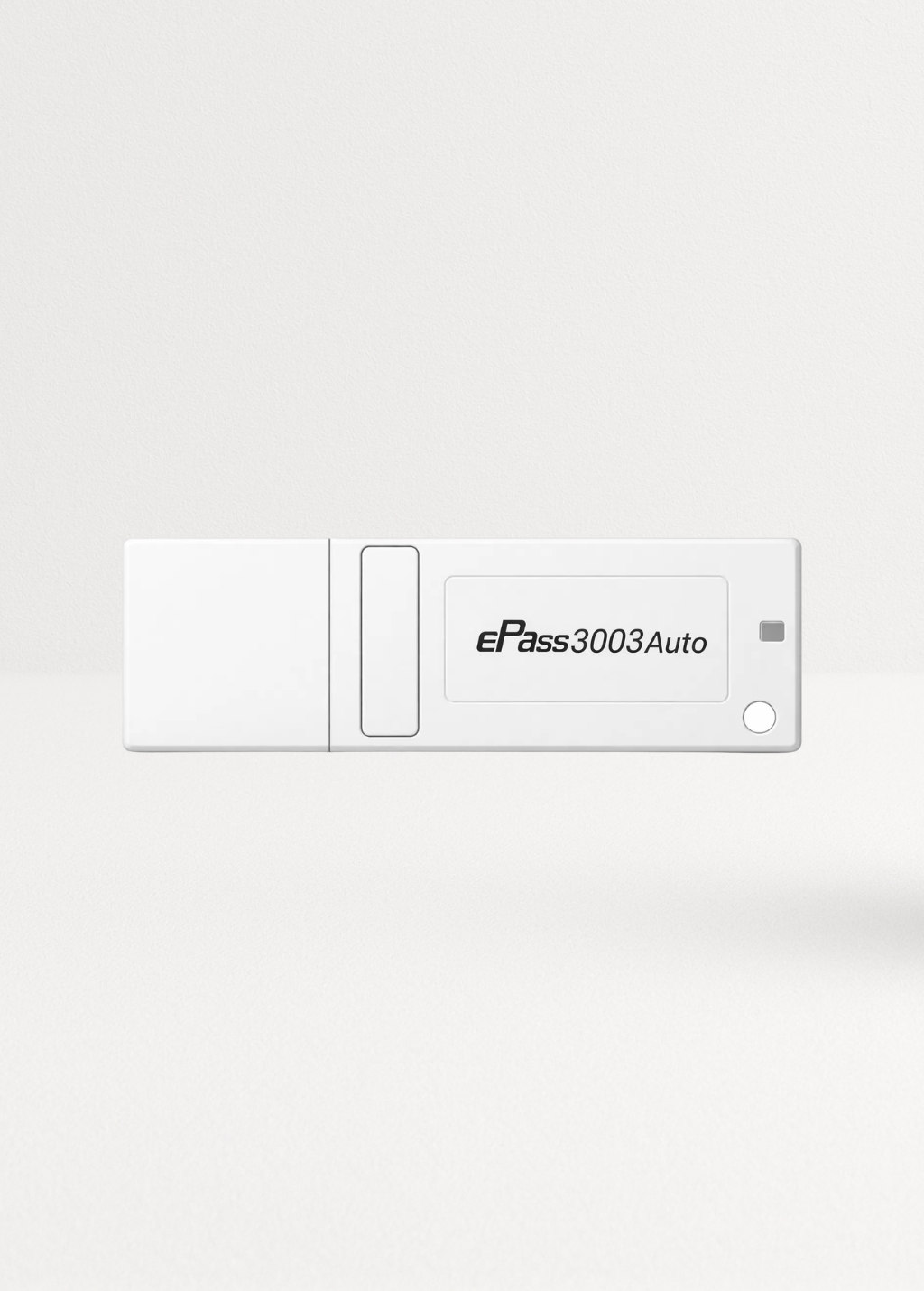
- The ePass3003Auto performs on-board RSA key pair generation with a hardware random number generator, and FEITIAN states its private keys can never be retrieved.
- The StorePass2003 offers on-board key pair generation, digital signature and encryption on a Common Criteria EAL5+ certified chip, plus 8 or 16 GB of storage.
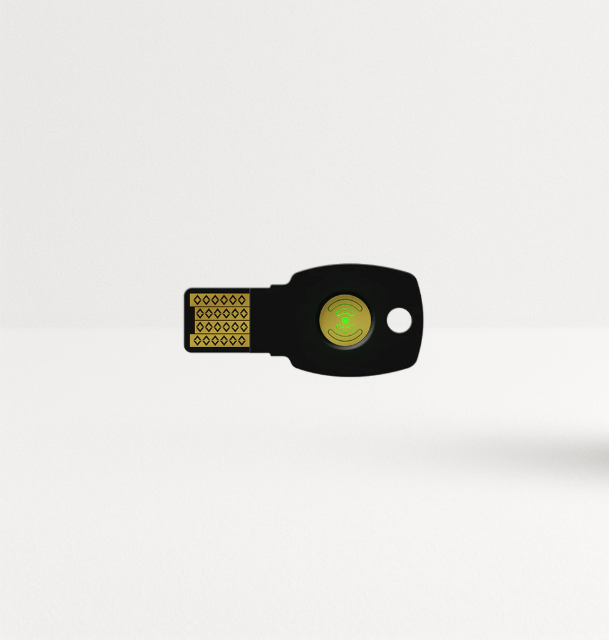
- PIV-capable security keys such as the K40+ hold PIV certificates (RSA 2048, ECC P256/P384) and are listed as FIPS 140-2 Level 2 certified.
One exception: for encryption certificates, many organizations generate the key at the CA with escrow, then import it to the token, so mail and files stay readable if a token is lost. Keep signing and authentication keys generated on the token and never escrowed.
Planning a certificate rollout? Compare FEITIAN PKI tokens or email sales@ftsafe.us for volume pricing.
PKI Token Certificate Enrollment, Step by Step
- Prepare the CA. Create certificate templates for each purpose (smart card logon, signing, S/MIME encryption) with the right key usages, key sizes and validity periods.
- Install middleware on user machines: the Microsoft smart card minidriver for Windows apps and PKCS#11 for others. The ePass3003Auto installs its own middleware on Windows.
- Initialize tokens: set the user PIN and an administrator PIN (or PUK) for unblocking.
- Generate the key pair on the token and create a certificate signing request.
- Submit the request to the CA through Windows enrollment, a web enrollment portal or your certificate management system. Enrollment agents can enroll on behalf of users for supervised issuance.
- Write the issued certificate back to the token next to its private key.
- Verify: test logon, signing and decryption with the new certificate.
- Record the token serial number, user, certificate serials and expiry dates in your inventory.
X.509 Certificate Management Across the Lifecycle
Renewal. Certificates expire on purpose. Track expiry dates and renew before they lapse: an expired logon certificate locks users out, and an expired signing certificate breaks validation of new signatures. Automate reminders or auto-enrollment where your PKI supports it.
Revocation. When a token is lost or a person leaves, revoke their certificates right away and publish the revocation through the CA's CRL or OCSP responder (RFC 6960) so relying systems reject them.
Lost tokens. Block the token, revoke its certificates, issue a new token, and recover encryption keys from escrow so the user can read old encrypted data.
PIN resets. Use the administrator PIN or a supervised unblock process. Never reset by issuing a new key without revoking the old certificate.
Algorithm and key-size changes. Plan migrations (for example from RSA 2048 to ECC, or toward post-quantum algorithms as standards mature) as certificates renew.
Inventory. Keep one record per token: owner, serial, certificates, expiry, status. Audits ask for it, and it drives every step above.
Common Implementation Mistakes
- Generating keys in software and importing them to tokens for signing and authentication certificates. The key existed outside hardware, so the token's main benefit is lost.
- No escrow for encryption keys. A lost token makes old encrypted mail unreadable.
- No revocation process. Departed employees keep working certificates.
- Silent expiry. Hundreds of certificates issued on the same day expire on the same day.
- Default PINs. Users never change them, and the second factor disappears.
For token selection, read our PKI token selection guide. To compare PKI tokens with OTP tokens and FIDO2 keys, see authentication tokens for data protection.
Conclusion
PKI tokens for digital certificates deliver their value when the implementation matches the hardware: keys generated on the token, clean enrollment through your CA, tracked renewals, fast revocation and escrow for encryption keys. Use HSMs for CA and server keys and tokens for people. Start with one certificate type, prove the lifecycle end to end, then expand.
Equip your users: browse FEITIAN PKI tokens or contact sales@ftsafe.us.
FAQ
What are PKI tokens used for with digital certificates?
They store the private keys behind users' X.509 certificates and perform signing and decryption on a secure chip. Organizations use them for smart card logon, document and code signing, S/MIME email and certificate-based VPN access.
What is the difference between an HSM and a PKI token?
An HSM is a high-capacity appliance that protects thousands of organizational keys, such as CA and server keys. A PKI token protects one person's certificates and travels with them. Most PKI deployments use both.
How do you enroll a certificate onto a PKI token?
Initialize the token, generate a key pair on it, create a certificate signing request, submit it to your CA, then write the issued certificate back to the token. Test logon or signing before handing it to the user.
Should private keys be generated on the token?
Yes for signing and authentication keys, so they never exist outside hardware. Encryption keys are often generated at the CA with escrow and imported, so encrypted data stays recoverable if a token is lost.
What happens when a certificate on a token expires?
Logons and new signatures that depend on it fail. Track expiry dates and renew certificates before they lapse, ideally with automated reminders or auto-enrollment.
What should we do when a PKI token is lost?
Block the token, revoke its certificates through your CA so CRLs and OCSP reflect the change, issue a replacement token, and restore encryption keys from escrow.
Share:
Best FIDO Security Keys for MFA: 2026 Recommendation Guide