

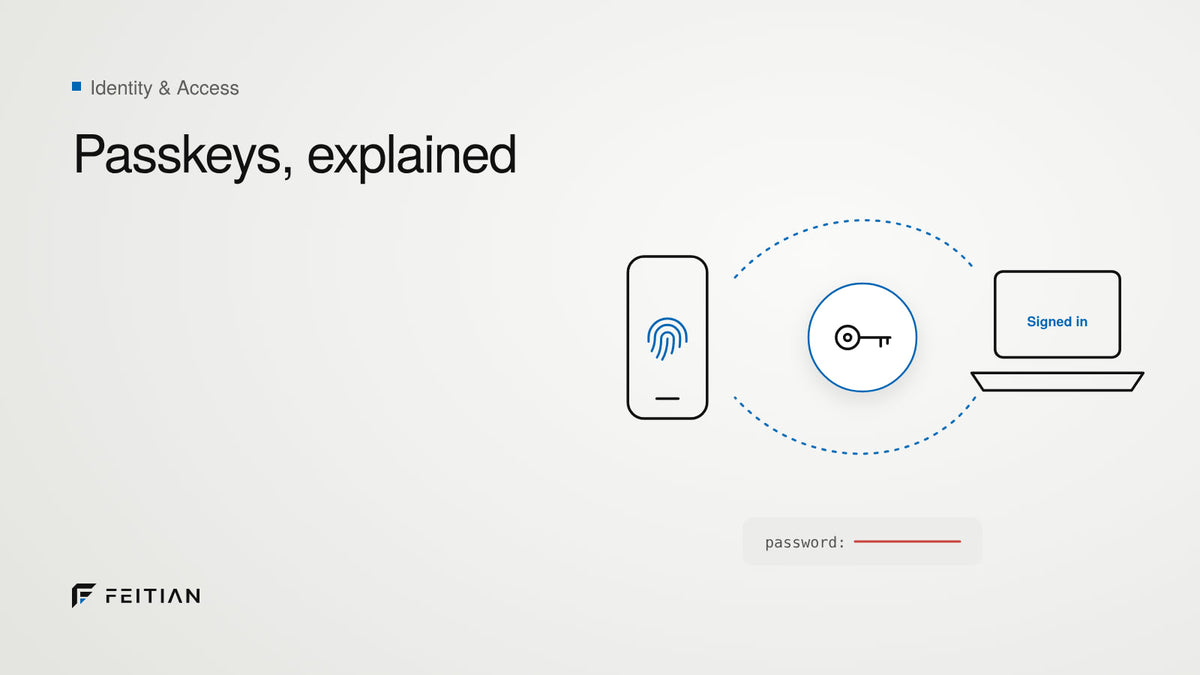
Passwords were never designed for the modern internet. They're reused, phished, guessed, stolen, leaked, traded, and abused at a scale that no security team can realistically keep up with. Forbes notes that about 80% of data breaches stem from stolen or weak passwords, a problem that has fueled years of innovation in authentication technologies. And now, one solution is gaining widespread adoption: passkeys.
What Is a Passkey?
A passkey is a modern, passwordless authentication method built on public-key cryptography. Instead of relying on something you know (a password), passkeys rely on something you have (a device or security key) and, optionally, something you are (biometrics).
Passkeys replace traditional passwords entirely. No password managers, no SMS codes, no OTP friction.
They're supported by major tech leaders, including:
At their core, passkeys solve the fundamental weakness of passwords: they cannot be phished, intercepted, guessed, or reused.
How Do Passkeys Work?
Every time you create a passkey, your device generates a key pair:
- A public key, stored by the online service.
- A private key, stored securely on your device.
When you log in, the website sends your device a cryptographic challenge. Your device signs it with the private key (which never leaves the device), proving your identity.
No secrets ever travel across the network. No one can intercept or reuse your key. No attacker can "steal your password" because you're not using one.
This is what makes passkeys phishing-resistant, unlike OTPs, email or SMS codes, and similar methods, as recognized by NIST.
Types of Passkeys
1. Cloud-Synced Passkeys
Stored in:
- Apple iCloud Keychain
- Google Password Manager
- Microsoft Cloud
Characteristics
- Sync across a user's devices
- Convenient and user-friendly
- Tied to personal cloud accounts
- Not ideal for regulated or enterprise environments
Best for:
Consumers, low-risk accounts, frictionless login.
2. Device-Bound Passkeys
Stored in:
- FIDO security keys
- Smart cards
- Biometric hardware authenticators
- Or locally in a device's secure enclave/TPM (if syncing is restricted)
Characteristics
- Private key never leaves the hardware
- No cloud involvement
- Portable across devices (in the case of external security keys)
- Highest assurance
Best for:
Enterprise, IT-managed environments, government, finance, healthcare, admins, and high-security roles.
What Are the Safest Types of Passkeys?
When absolute security matters, you want the private key stored in a secure chip, not in a cloud account.
Hardware security keys, especially biometric fingerprint ones, offer multiple layers of protection:
1. Zero-Trust Authentication
The private key never leaves the device. It can't sync, leak, or be extracted, even if your computer or phone is infected.
2. Phishing Resistance
Hardware passkeys verify the domain you're logging into. If the domain is fake, even if it looks identical, the key won't authenticate.
3. Built-in Biometrics
Fingerprint-enabled FIDO keys add an extra layer of protection. If someone were to observe your PIN and steal your key, they could attempt to use it, but with biometric verification, the key cannot be unlocked without your fingerprint.
Biometric verification represents the next level of secure authentication. They merge possession (the key) with inherence (your fingerprint). By binding the private key to both a secure element and a biometric check, these keys drastically reduce the risk of misuse or credential compromise. This is why industries with the highest security requirements are moving toward hardware-backed biometric passkeys.
Choosing the Right Strategy
Every organization's authentication journey is different.
If your goals include:
- Eliminating phishing
- Reducing account takeovers
- Achieving compliance
- Lowering support and helpdesk costs
- Future-proofing your identity strategy
Then hardware-backed passkeys, especially biometric keys, offer the strongest foundation.
Are You Looking to Explore Hardware-Backed Passkeys?
FEITIAN has one of the industry's most comprehensive portfolios of FIDO and FIPS-certified hardware security keys (including biometric keys), and an enterprise management tool (KeyMS) to streamline mass deployment. Wherever you are in your journey, our experts can help you find the right approach.
If you want to explore hardware-backed passkey solutions for your business, reach out to us.
Share:
FEITIAN Technologies Announces FKaaS™ – FEITIAN Key as a Service
Why PQC Matters for FIDO Keys